Transfers
The screenshots and data in these docs belong to a sample company (Sample Logistics Co., Ltd.); the depositors, items, documents and numbers are fictitious.
Transfer
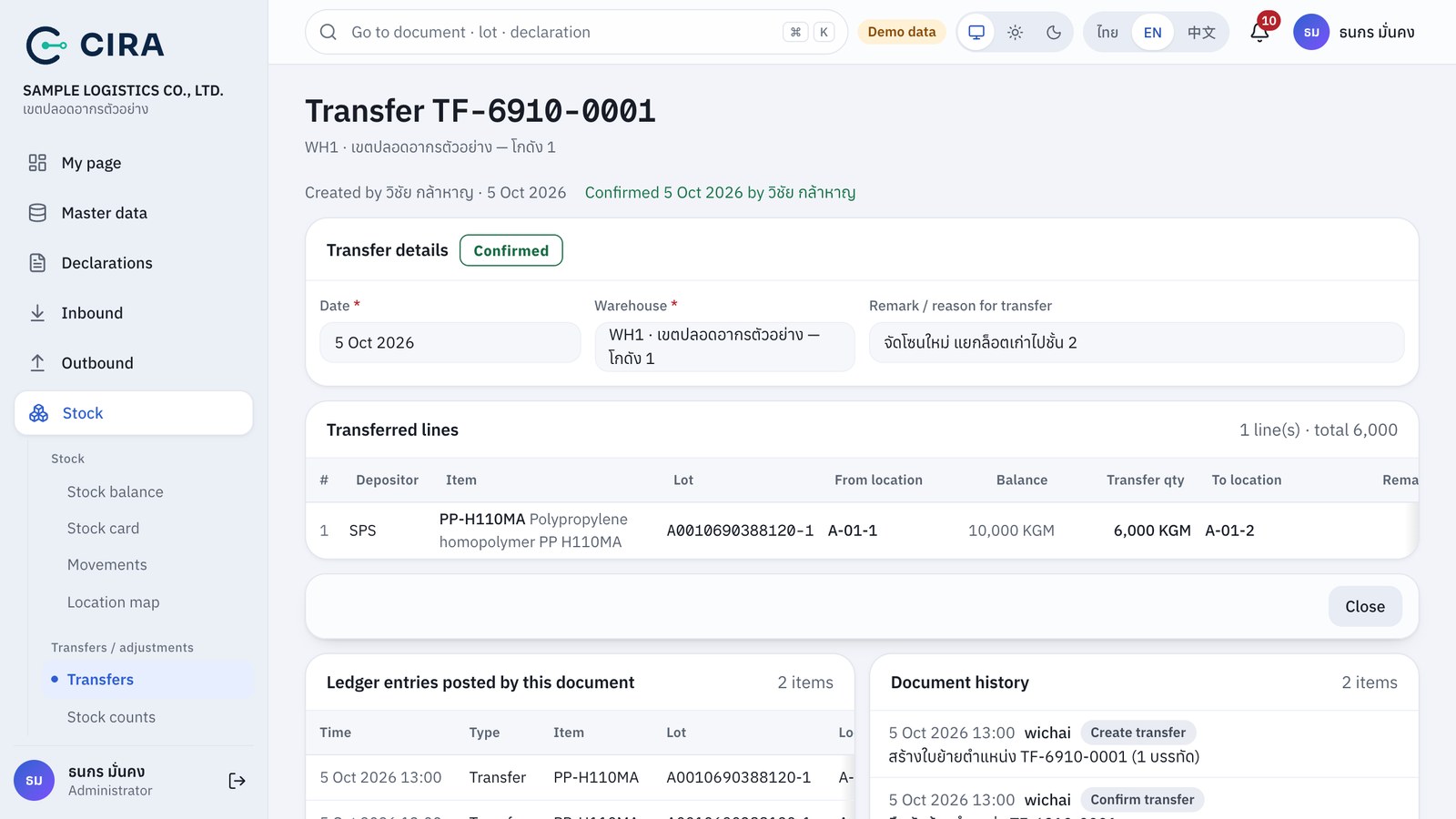
- Stock › Transfers › Create → + Pick from stock (F7) and choose rows (location / lot / actual balance) → enter the Transfer qty and To location. For the destination you can use Scan destination QR: the system fills it in on every line that has no destination yet, and refuses a destination that is the line's current location.
- Save (F8) → Confirm transfer. The stock ledger records the move out of the source and into the destination. The lot and the total do not change.
- Transferring more than the balance: the system refuses and states the quantity actually there.