Notifications
The screenshots and data in these docs belong to a sample company (Sample Logistics Co., Ltd.); the depositors, items, documents and numbers are fictitious.
On this page
Notification bell
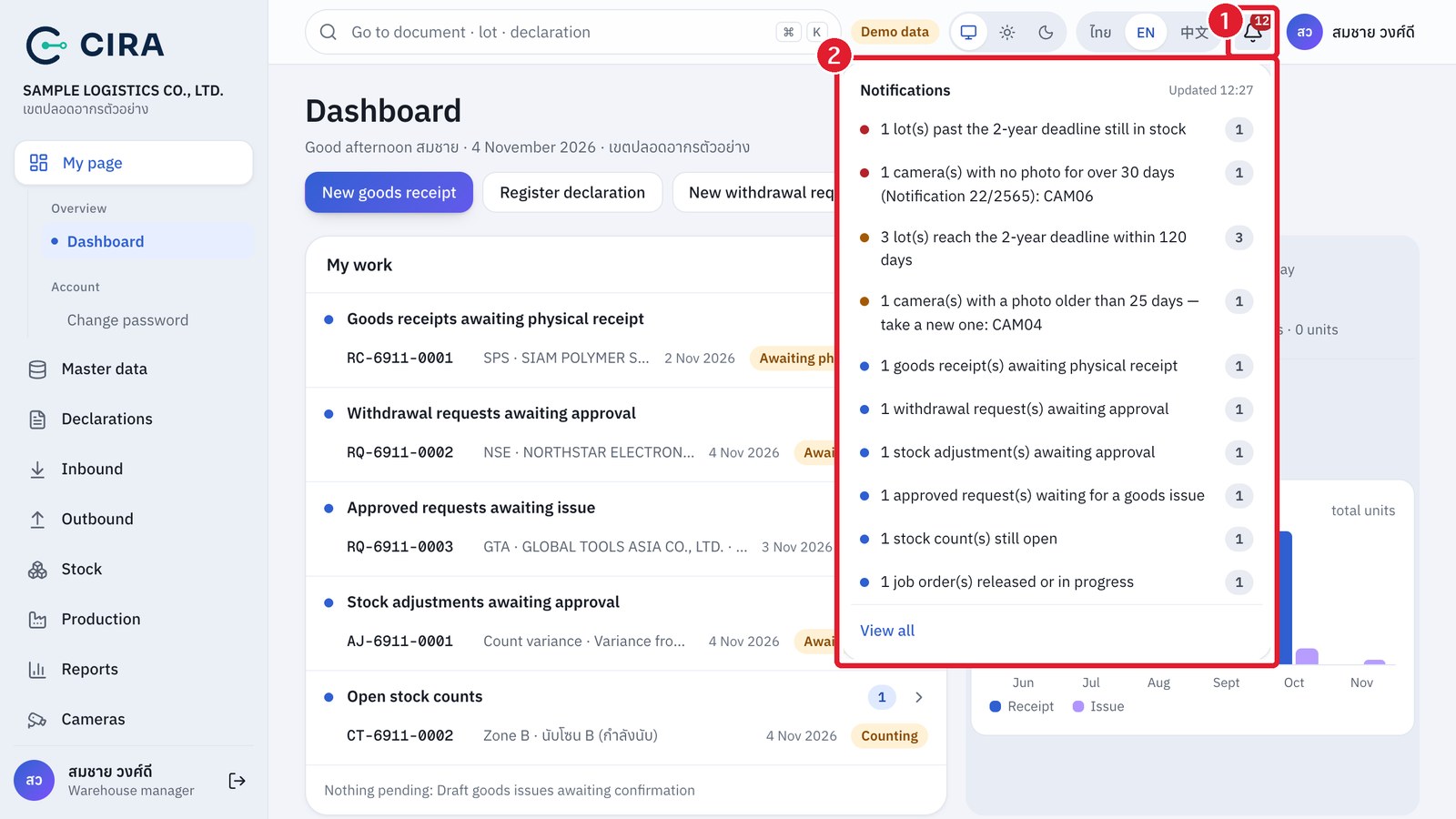
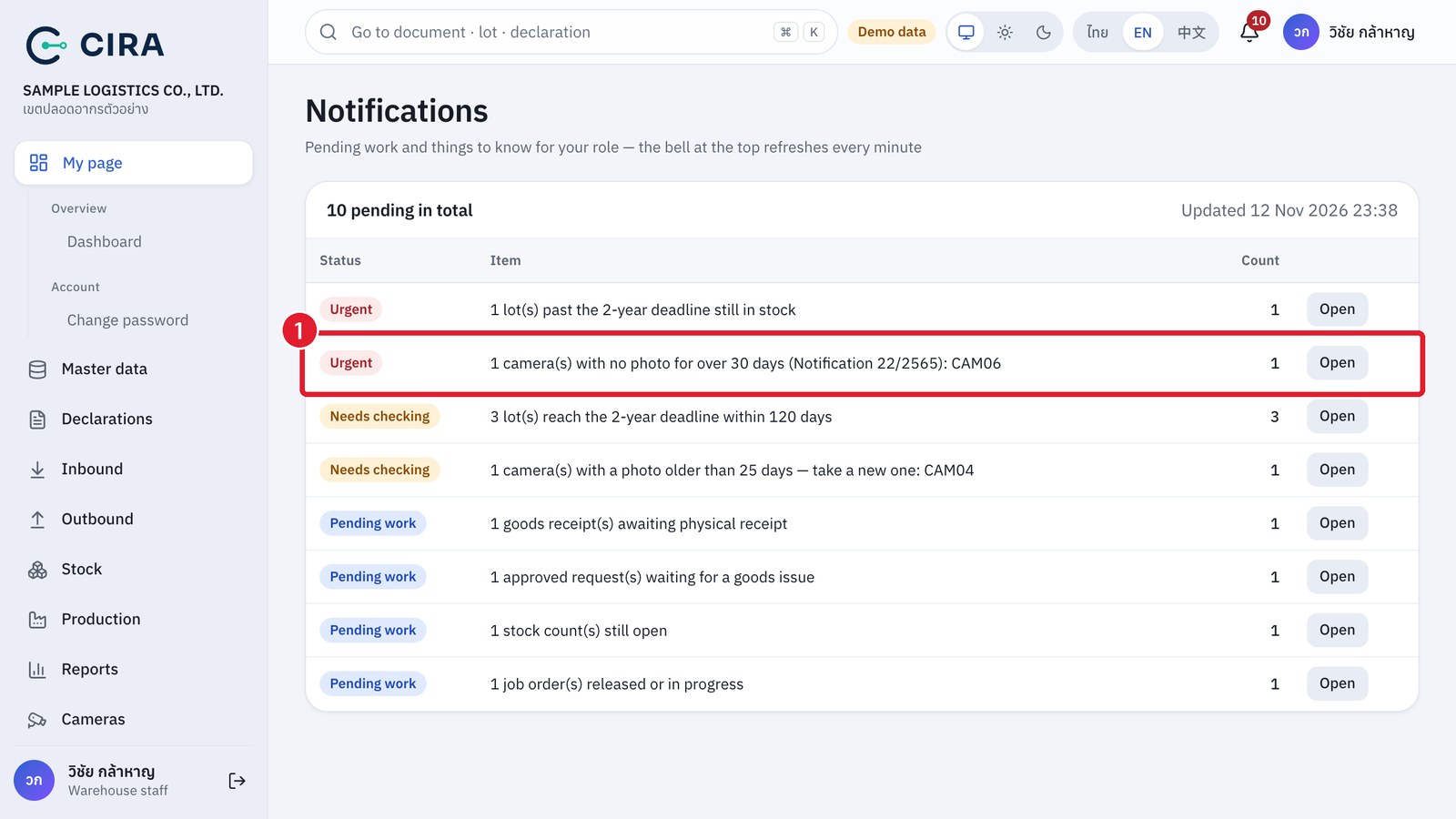
The bell gathers the pending work for your role (awaiting physical receipt, awaiting approval, awaiting issue, stock counts still open, job orders in progress) and things to check (lots past the 2-year deadline, lots reaching it within 120 days, storage locations nearly full, cameras whose latest photo is over 25 days old and cameras with no photo for over 30 days under Notification 22/2565 — these last two show only to people allowed to manage cameras). It refreshes itself every 1 minute, and an entry disappears by itself once the work is dealt with.
Photo notification