Users
The screenshots and data in these docs belong to a sample company (Sample Logistics Co., Ltd.); the depositors, items, documents and numbers are fictitious.
Users
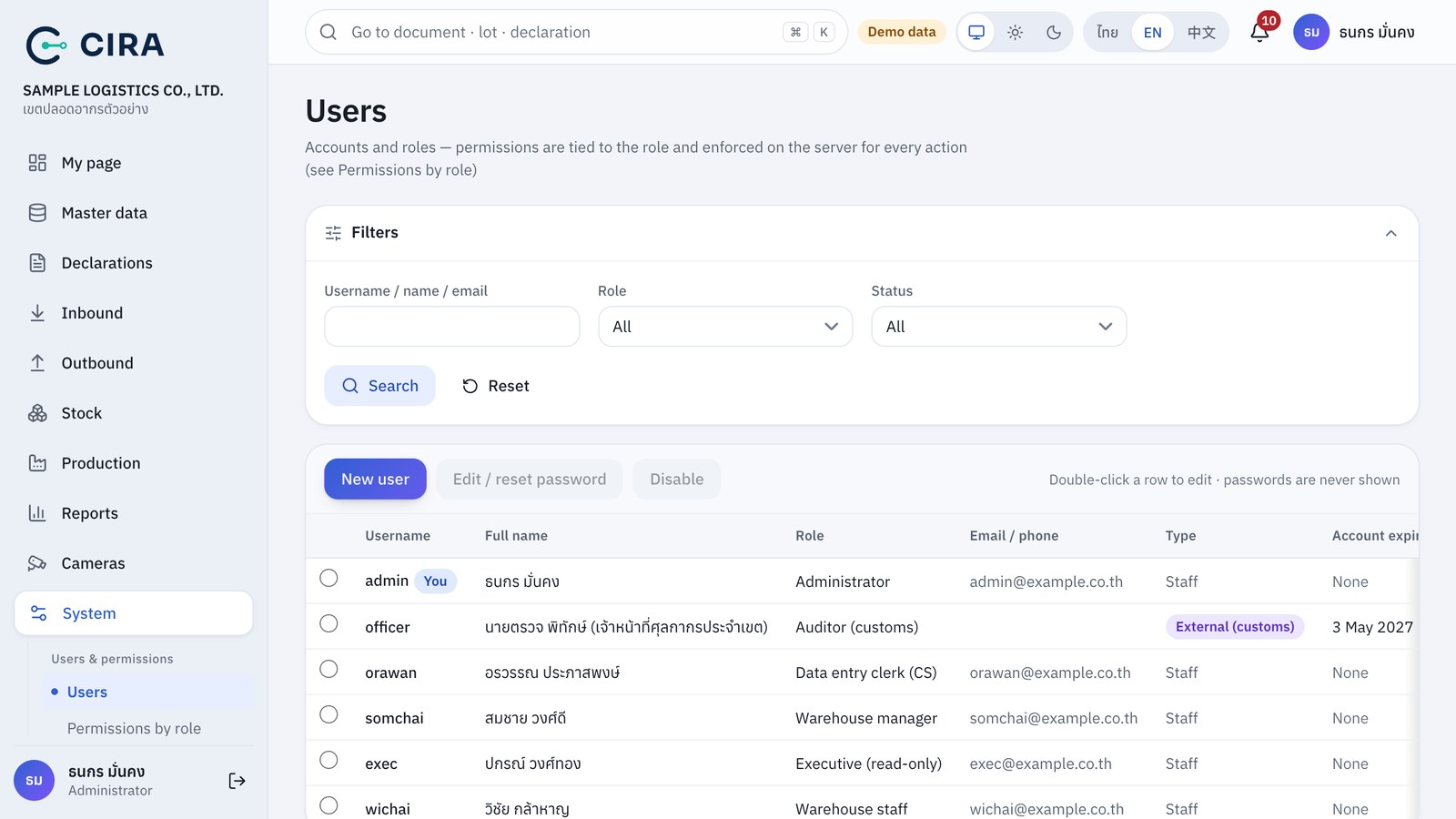
- New user (F2): Username (a–z 0–9 . _ -, at least 3 characters), Full name, Role, Email / phone, Password (≥ 8 characters and not easy to guess, see Sign-in page in section 0), Account expires (for customs officers and outside auditors), tick "External officer account".
- Edit / reset password: select the row, then press the button. Leaving the password blank = no change. A password you set for someone else (and the first password of a new user) is a Temporary password: the user must change it when signing in, and the table shows a Temporary password badge until then. Once you set someone's password, that person's open sessions end at once. Use this when a user forgets their password.
- Disable: the user can no longer sign in, effective at once, and the history stays (you cannot disable your own account or change your own role).