Production reports
The screenshots and data in these docs belong to a sample company (Sample Logistics Co., Ltd.); the depositors, items, documents and numbers are fictitious.
Work-in-process balance
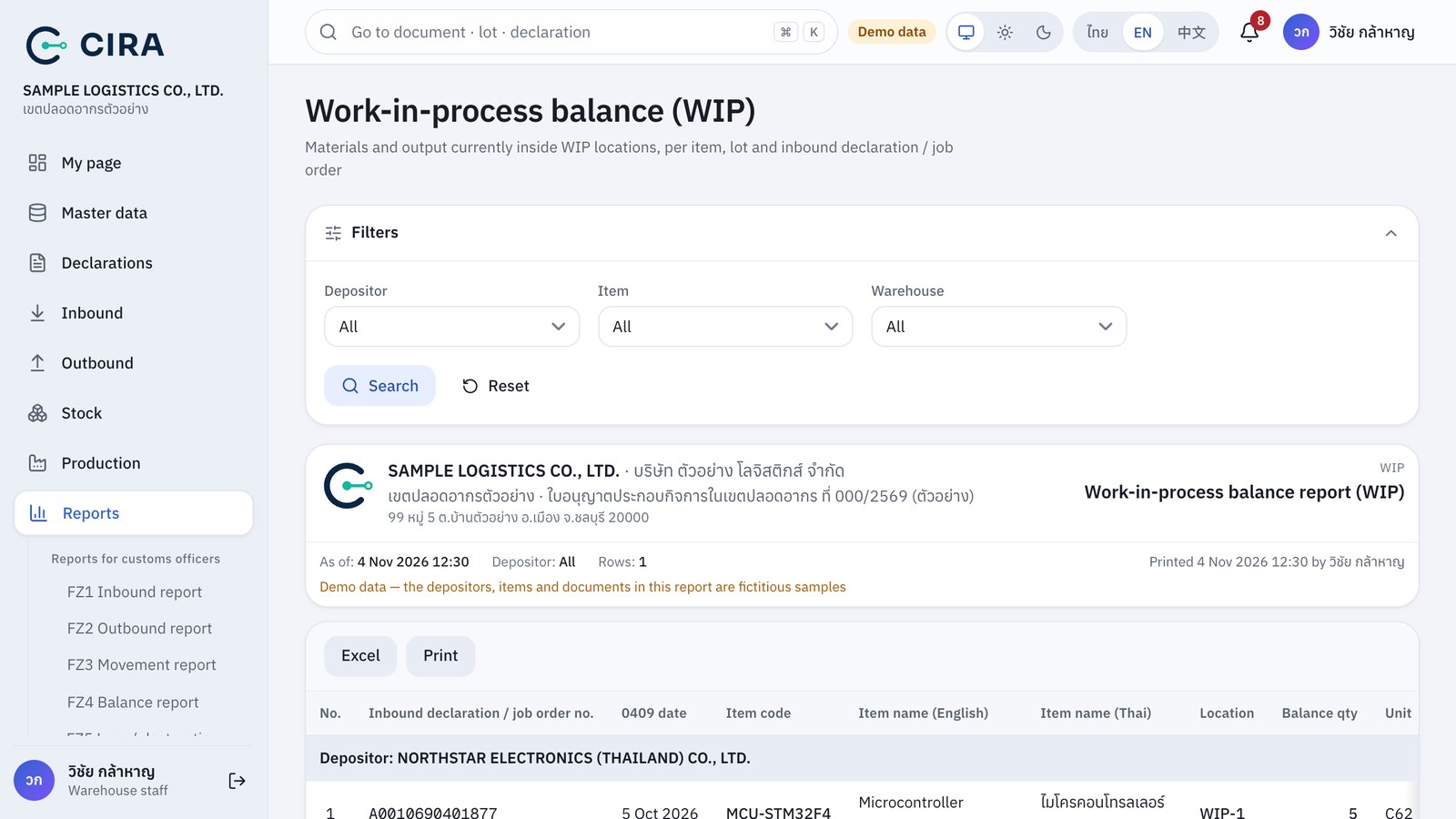
| Report | Use it for |
|---|---|
| Work-in-process balance (WIP) | Materials and output now in WIP locations, by item, lot and inbound declaration or job order |
| Raw material movement (RM) | Opening balance + in − out = balance for items of type raw material or sub-material, with declaration and document numbers (requisition, production receipt) |
| Finished goods movement (FG/Scrap) | Output and scrap from job orders (referring to the job order number instead of an inbound declaration) and goods taken out under outbound declarations |
Every report has Excel and A4 landscape printing. A job order can be printed with the Print button on the job order (signature boxes for Planner, Warehouse staff, Production supervisor and Customs officer).