Sign-in page
The screenshots and data in these docs belong to a sample company (Sample Logistics Co., Ltd.); the depositors, items, documents and numbers are fictitious.
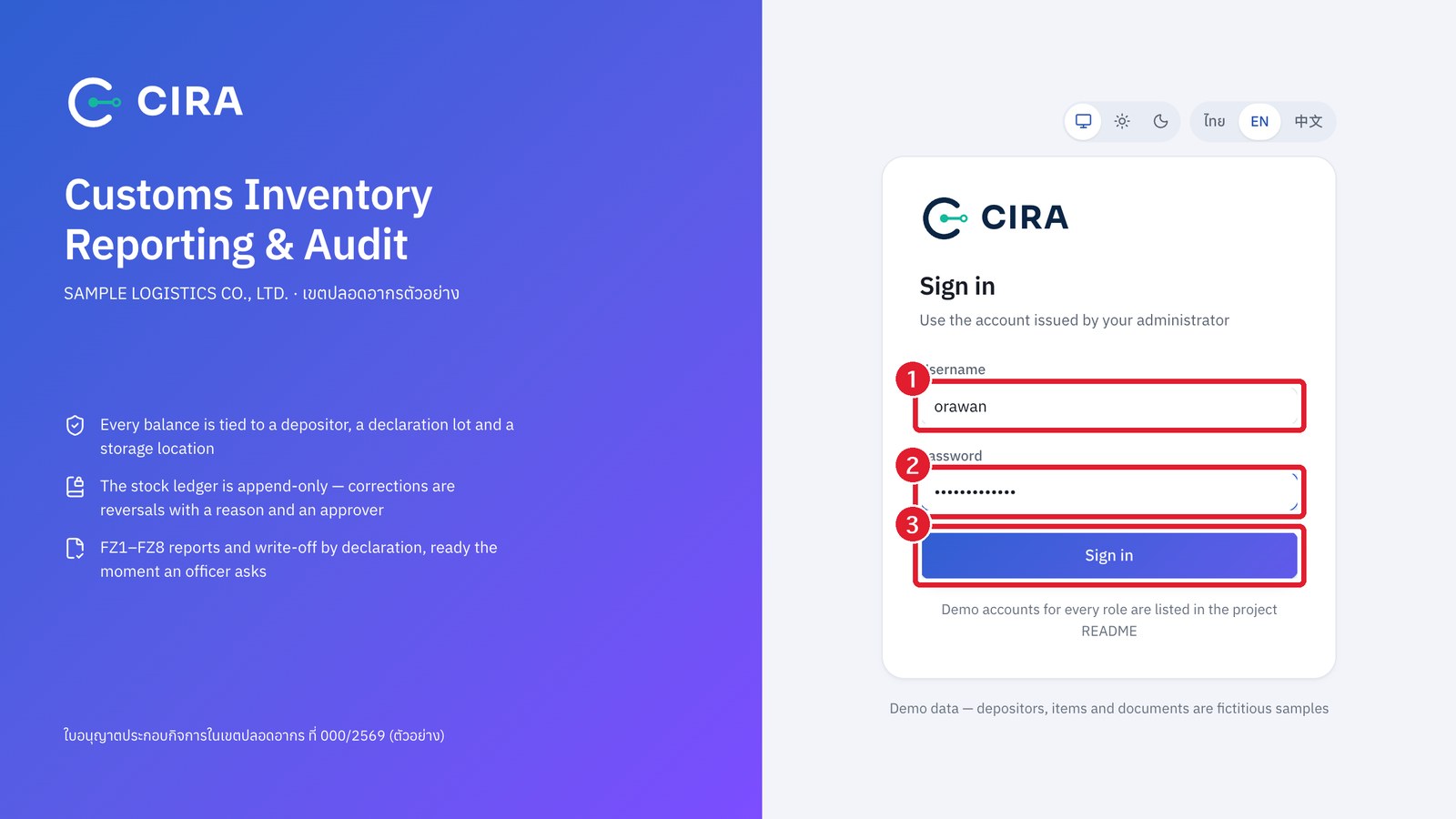
Use the account issued by your administrator. A wrong password shows "Incorrect username or password". Change your password from the avatar menu at the top right › Account · change password (at least 8 characters and not easy to guess: not a commonly used password, no username inside it, not repeated or sequential characters such as 12345678). After you change your password, other devices signed in to this account are signed out at once. The device you changed it on stays signed in.
Sign out is in the avatar menu and at the bottom of the menu rail (phone: in the ≡ menu). The session ends at once and that device must sign in again. Each session lasts 10 hours; after that you must sign in again. When an administrator sets a new password for an account or disables it, that account's open sessions end at once.