Report set sent to Customs every 6 months (commercial-type operators)
The screenshots and data in these docs belong to a sample company (Sample Logistics Co., Ltd.); the depositors, items, documents and numbers are fictitious.
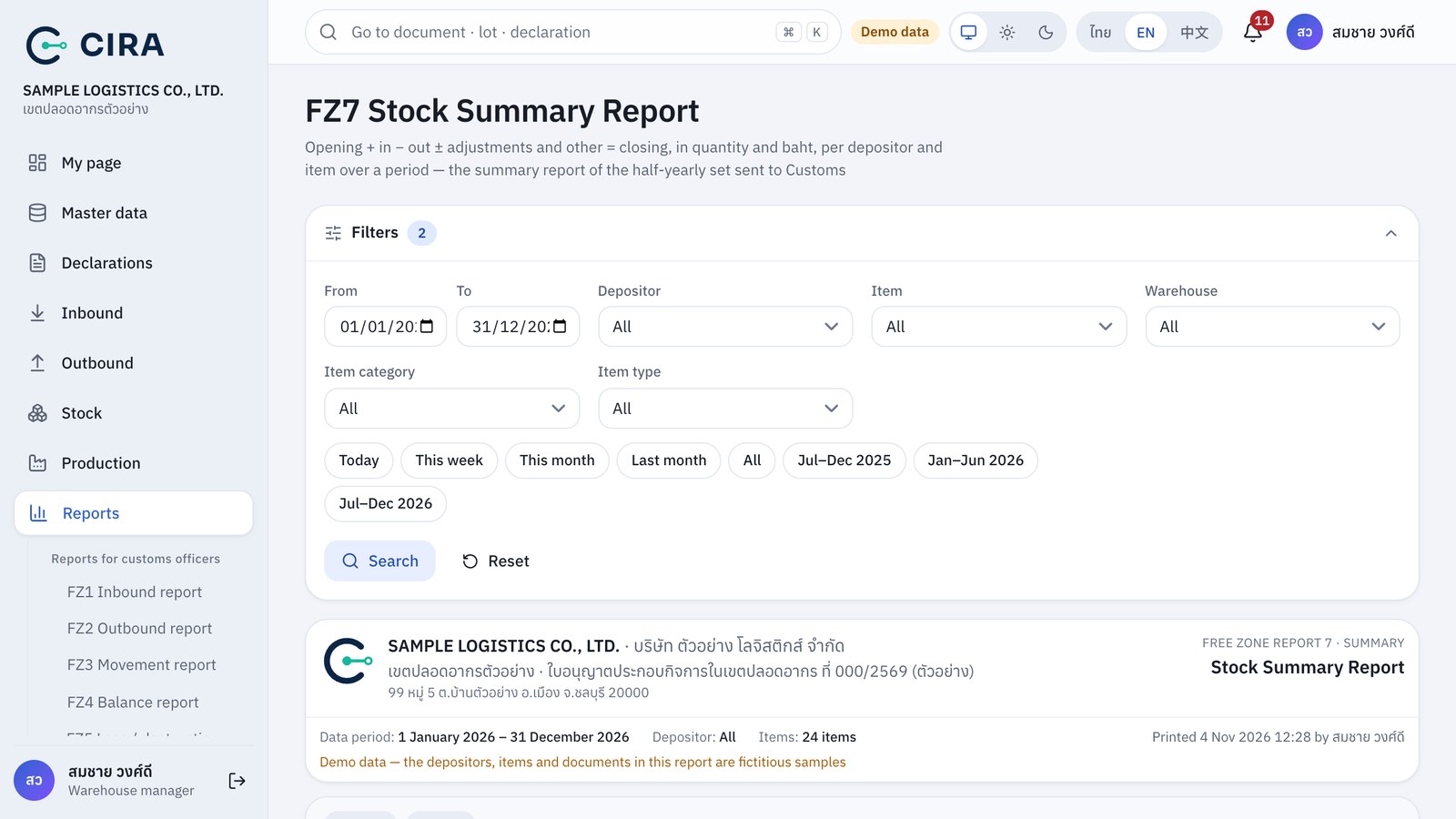
Sent 2 times a year (Jan–Jun and Jul–Dec) as Excel files, by the 30th of the month after the period. Set the period in the filter panel, then press Excel for each report in turn. FZ7 has period buttons for Jul–Dec of last year and Jan–Jun and Jul–Dec of this year: press a button, then press Search (F8) (if you choose none, the system shows the current period). For FZ1, FZ2 and FZ3, fill in the date range of the period. For FZ4 and FZ8, set As of to the last day of the period.
This set is for commercial-type operators. Other types of operator can open the same reports, but should follow the report set and deadlines that Customs sets for their type.
| Report to send | In CIRA |
|---|---|
| Inbound report by declaration type (รายงานการนำเข้า แยกตามประเภทใบขน) | FZ1 (choose the declaration type in the filter) |
| Export report (รายงานการส่งออก) | FZ2 |
| Summary stock balance report (รายงานสินค้าคงเหลือแบบสรุป) | FZ7 |
| Detailed stock balance report (รายงานสินค้าคงเหลือแบบแจกแจง) | FZ3 |
| Balance report as of a date (รายงานของคงเหลือ ณ วันที่) | FZ4 |
| Goods with storage-period extension requests (ของคงเหลือที่ขอขยายระยะเวลาจัดเก็บ) | FZ8 |
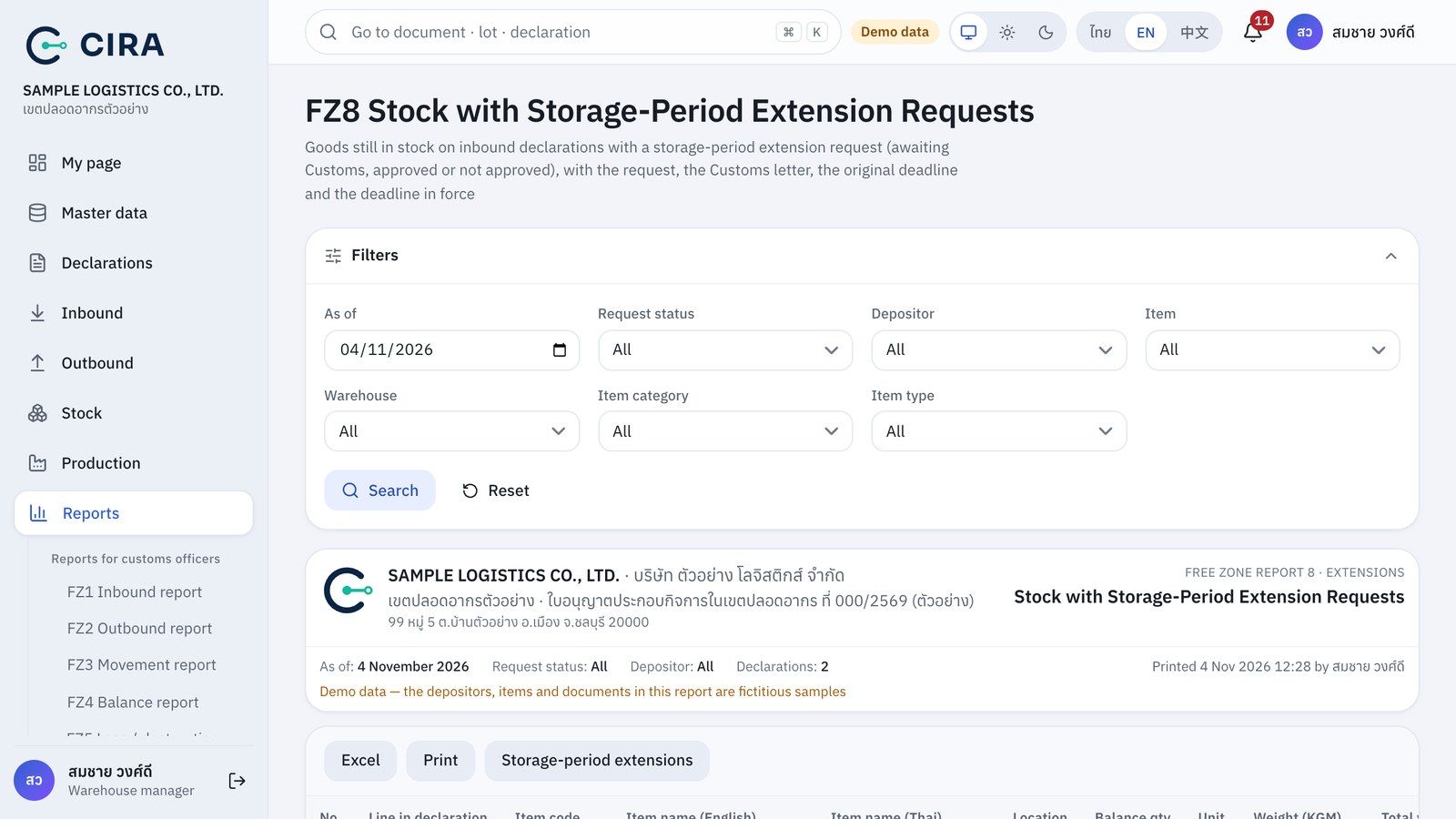
FZ8 shows only declarations that still hold goods on the chosen date, whether the request is awaiting an answer, approved or not approved (filter with Request status). For how to record requests and answers, see section 1.6.