Settings
The screenshots and data in these docs belong to a sample company (Sample Logistics Co., Ltd.); the depositors, items, documents and numbers are fictitious.
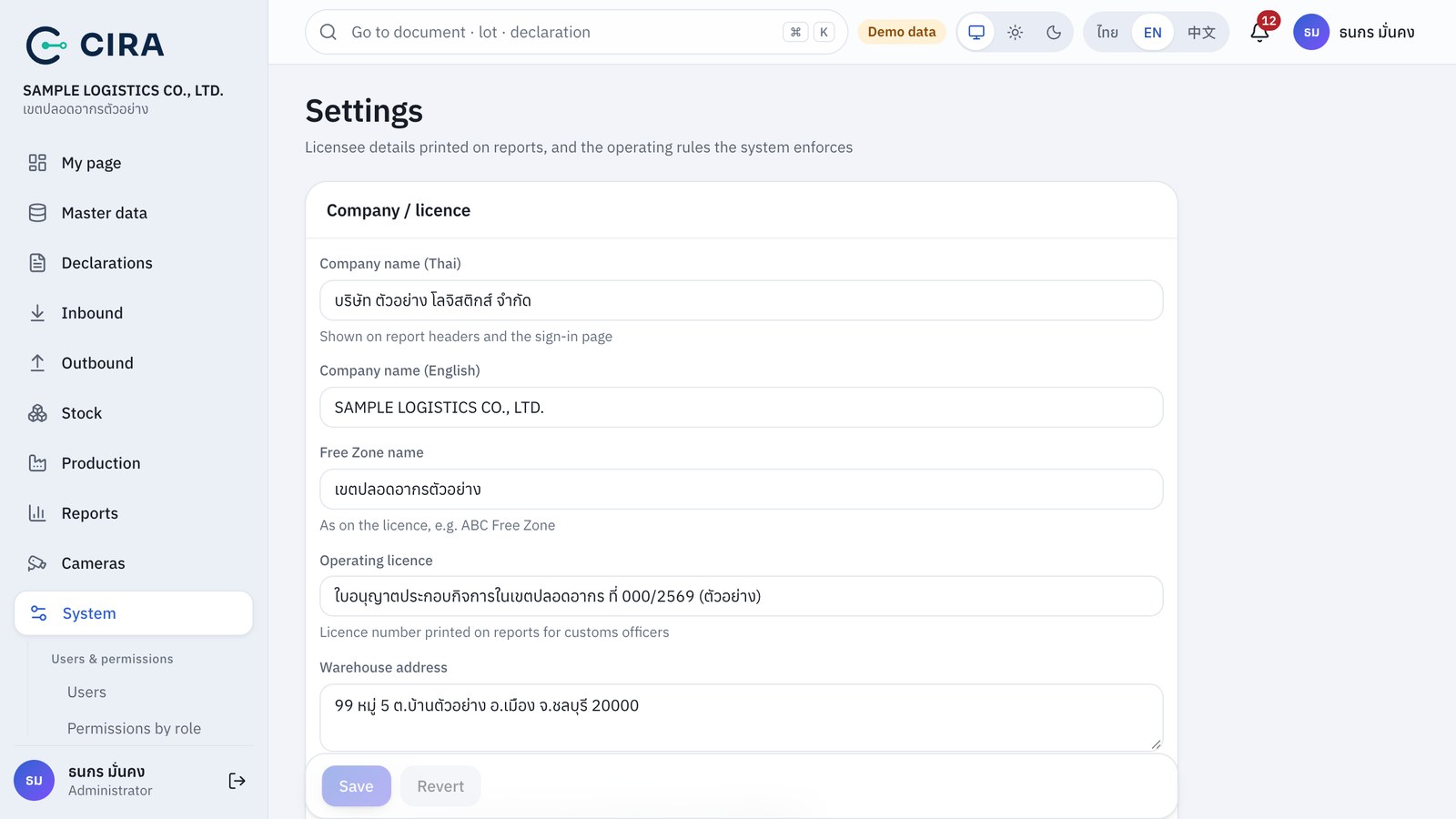
Company name, Free Zone name, licence number and address (printed on report headers) · Company logo: upload a PNG/JPG/WebP/SVG of up to 2 MB, printed on report headers and documents. With no logo the CIRA mark is used, and you can remove or replace the logo at any time · Rules: "Issues not based on a withdrawal request must be confirmed by the warehouse manager", "Storage period in the Free Zone (years from the status 0409 date)" · Production module: On = the Production menu (bills of materials, job orders, requisitions, production receipts) and the production reports are available. Off is for an operator that does not manufacture in the zone, such as a commercial-type operator: the production menu, pages, reports and notifications do not show, and existing data is not deleted · Demo data mode (turn it off when you go live) · Every change is recorded in the history.