Reports for customs officers (every role allowed to view reports)
The screenshots and data in these docs belong to a sample company (Sample Logistics Co., Ltd.); the depositors, items, documents and numbers are fictitious.
On this page
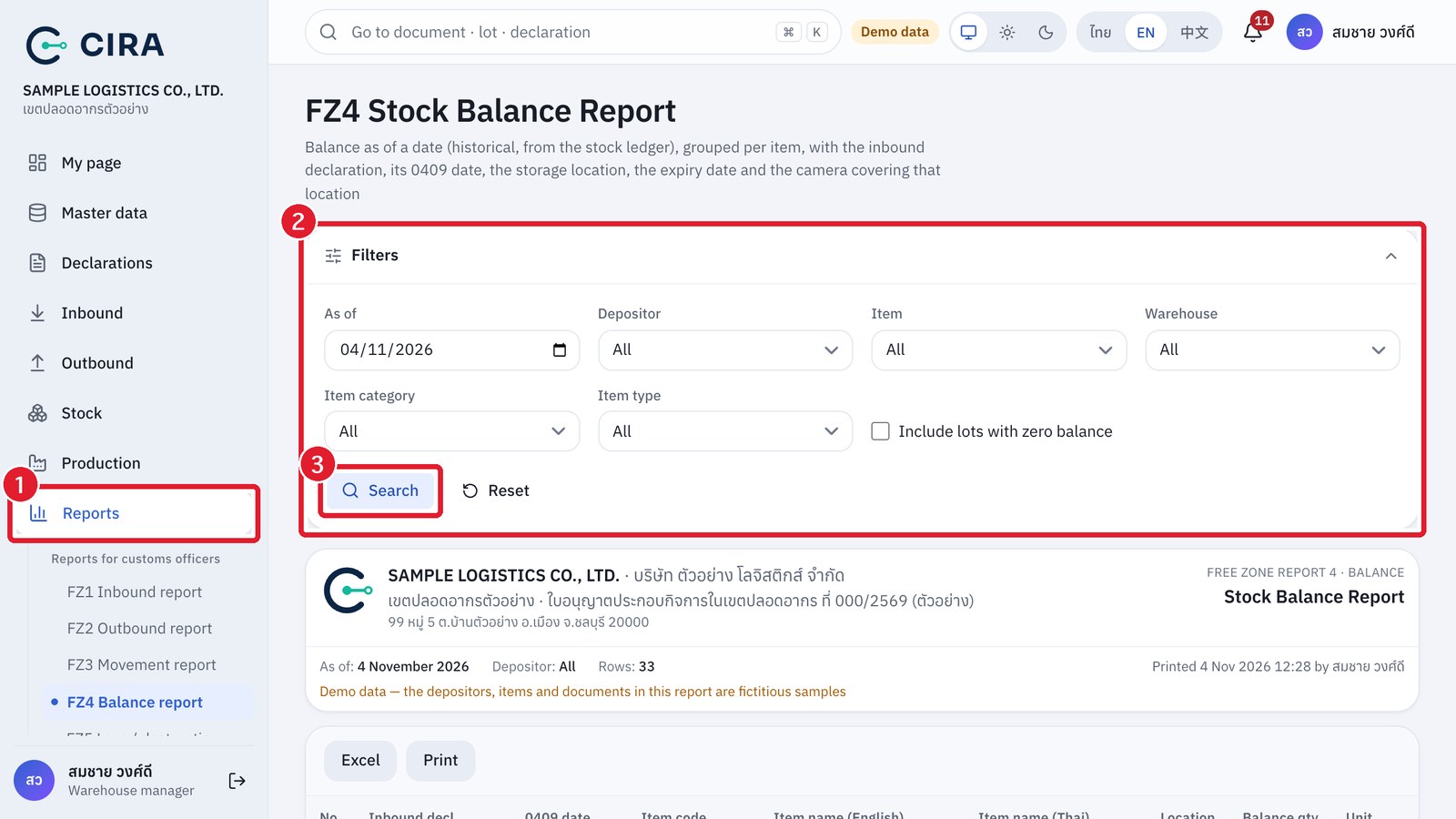
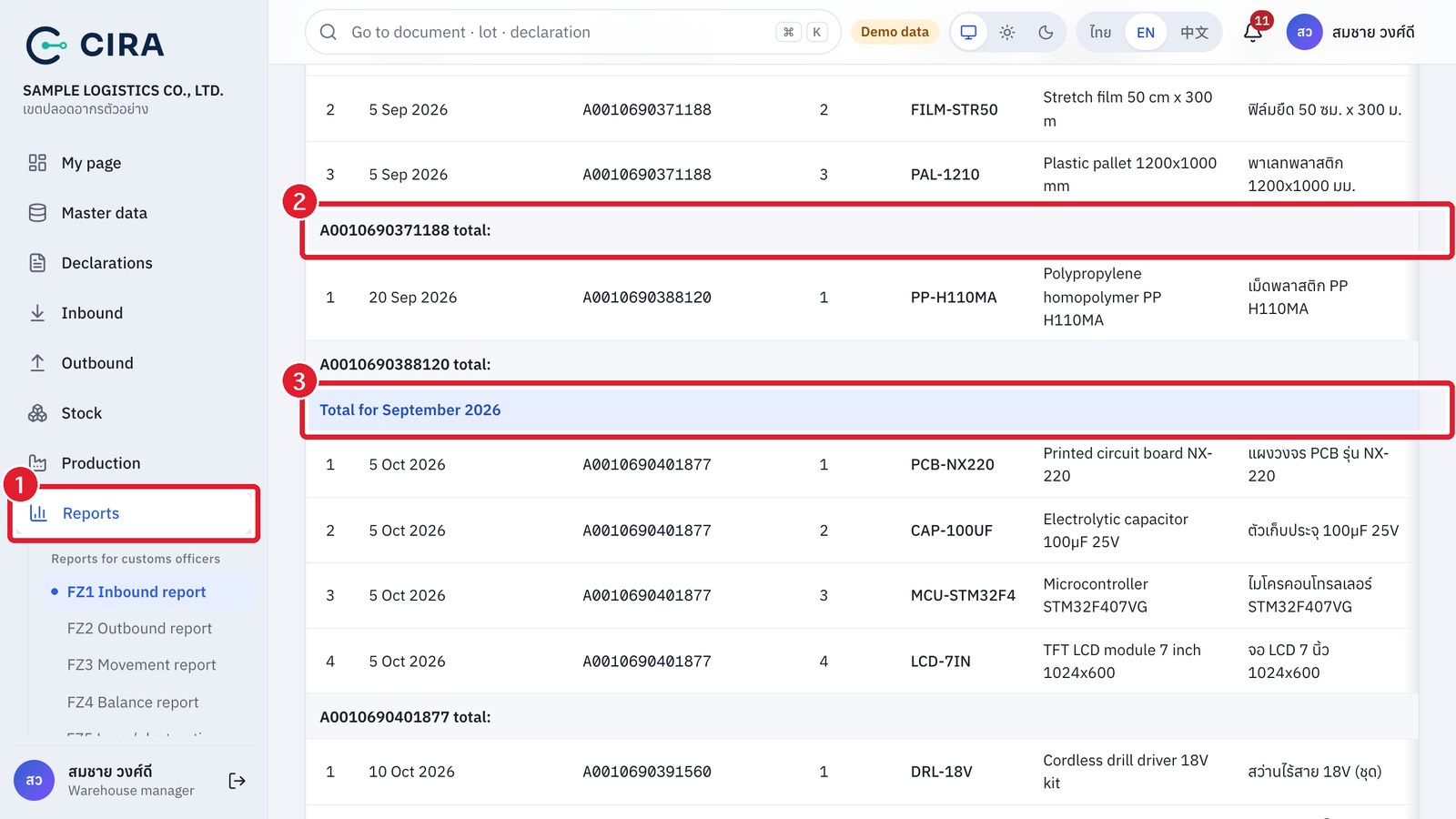
Reports FZ1–FZ6 use the same format as the reports customs officers see in the CTL system of other Free Zones (column order, declaration 0409 status date, total rows per declaration → month total → grand total). FZ7 and FZ8 belong to the set sent to Customs every 6 months (at the end of this section).
| Report | Use it for | Note |
|---|---|---|
| FZ1 Inbound report | Lines of inbound declarations already received, sorted by 0409 date, with totals per declaration and per month | Several receipts for the same line are combined into one row, with the receipt numbers at the end of the row |
| FZ2 Outbound report | Lines of outbound declarations already issued + the inbound declarations written off | Goods issues without a declaration (internal use / destruction, return to depositor) are grouped separately |
| FZ3 Movement report | Opening balance + in − out = balance, per item, every line with its declaration number, line in declaration and invoice | Choose the period, depositor, item or warehouse |
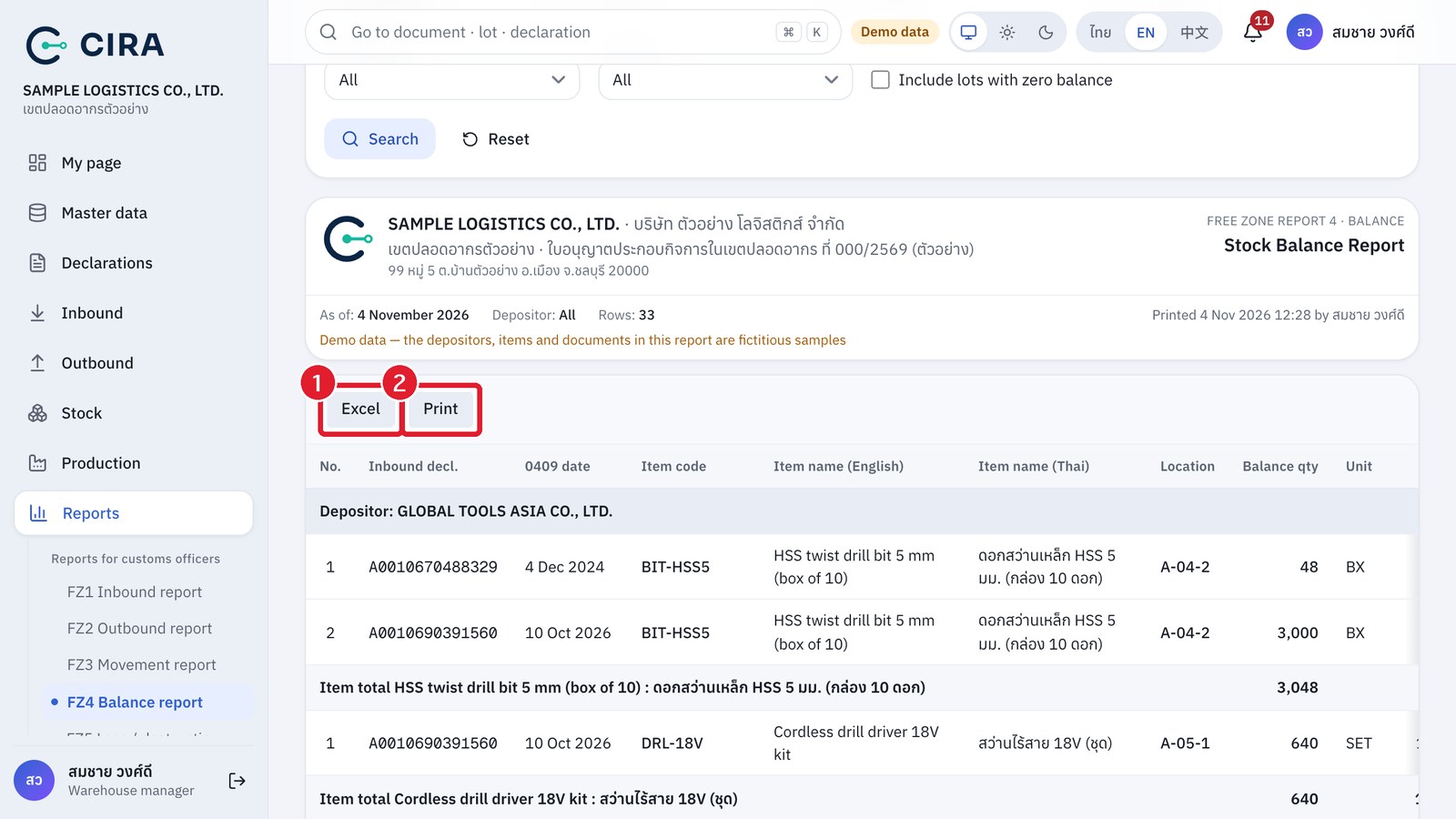
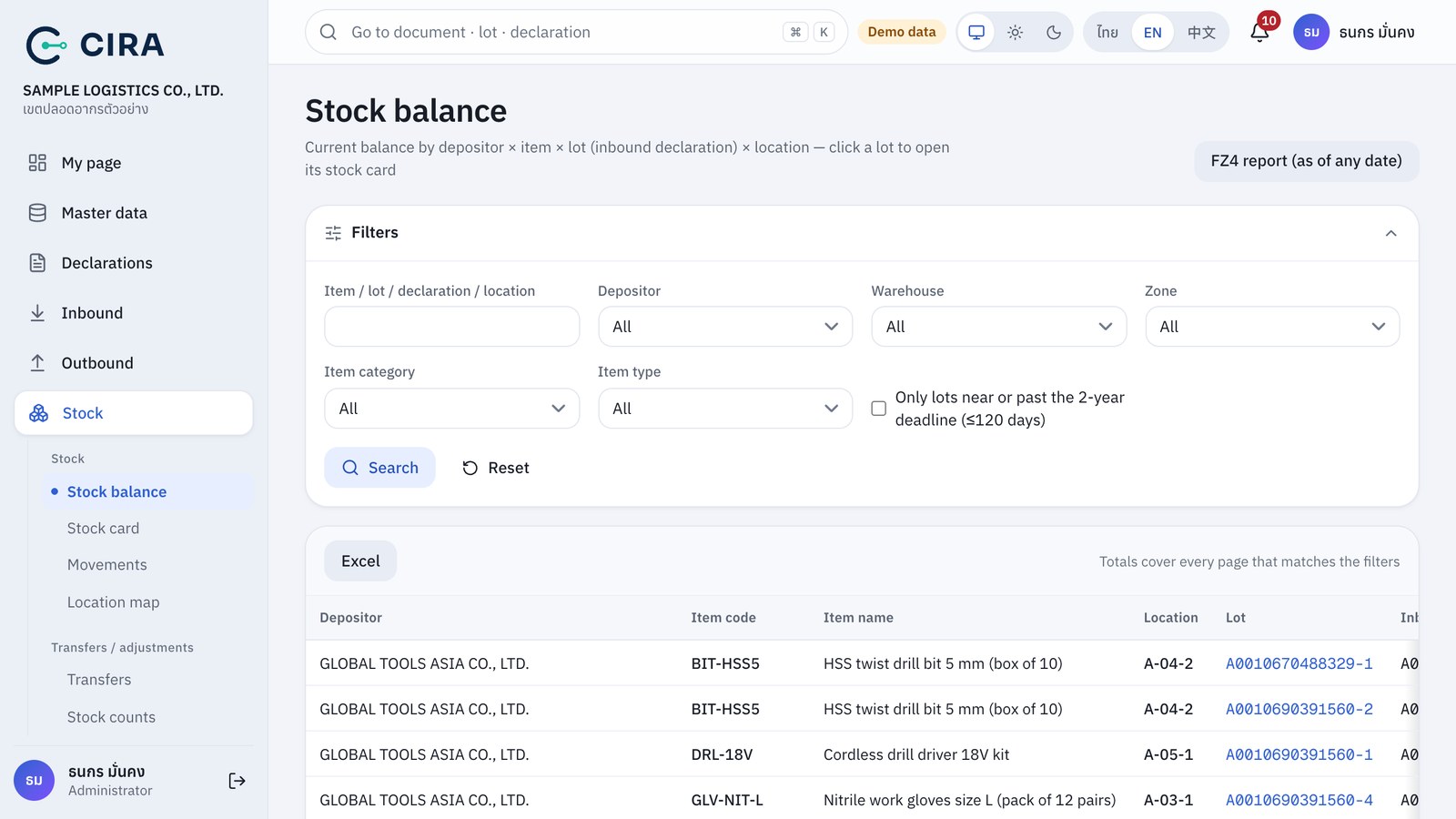
| FZ4 Balance report | Balance as of a date (can go back in time) grouped by item, with inbound declaration, 0409 date, location, expiry date and View camera / View snapshot | You can tick "Include lots with zero balance" |
| FZ5 Loss / destruction report | Approved stock adjustments (damage, loss, count variance, data correction), goods issues of type internal use / destruction, and production loss (production receipt), grouped by reason | New |
| FZ6 Expired inbound lots | Lots that still hold goods and have reached the 2-year deadline, or will reach it within "Look ahead (days)" | New · 0 days = only those already expired |
| FZ7 Stock summary report | Opening balance, in, out, adjustments and other, and closing balance, in both quantity and value (THB), by depositor and by item, for the chosen period (period buttons Jan–Jun / Jul–Dec) | New |
| FZ8 Goods with storage-period extension requests | Declarations with a storage-period extension request, with the customs letter, the original deadline and the deadline in force, and the goods still held | New · Withdrawn requests are not included |
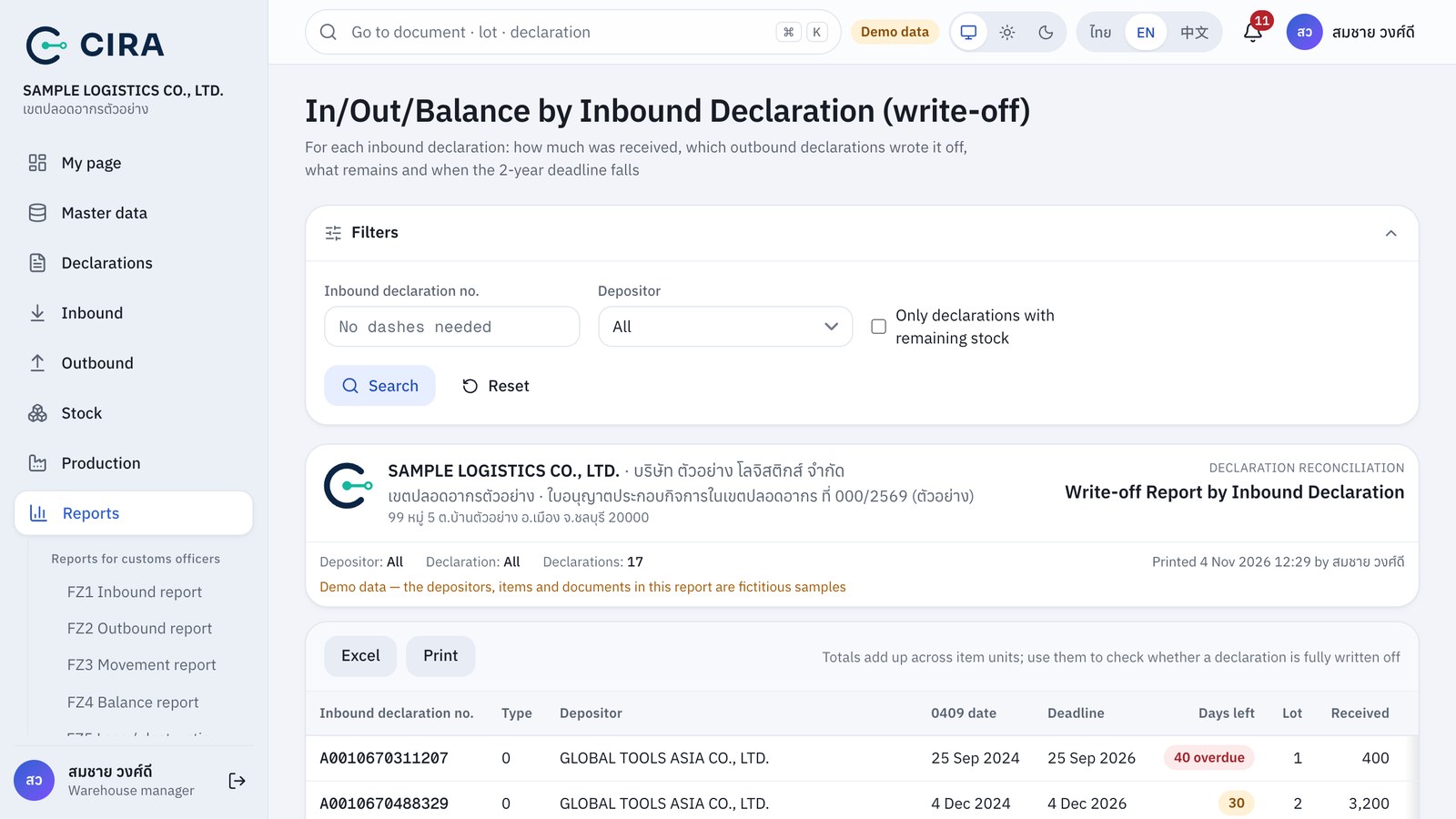
| In / out / balance by declaration (write-off) | For each inbound declaration: how much was received, which outbound declarations wrote it off, how much was used in production, how much is left and when the 2-year deadline falls (a production declaration, JO, shows the output received) | Net of reversals |
| Monthly summary | Monthly summary by depositor or by item. When there is production, the Produced and Used in production columns are added |
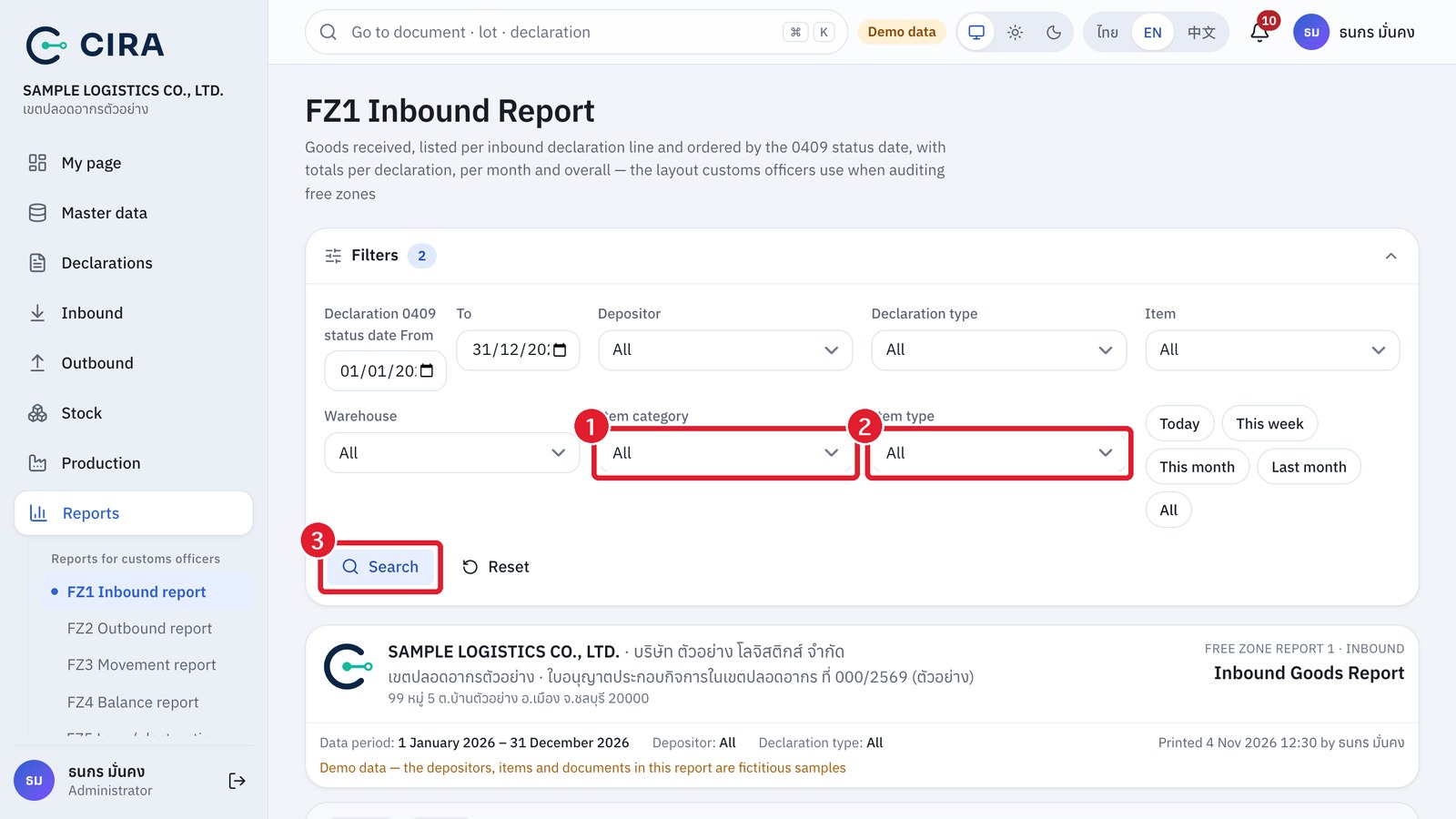
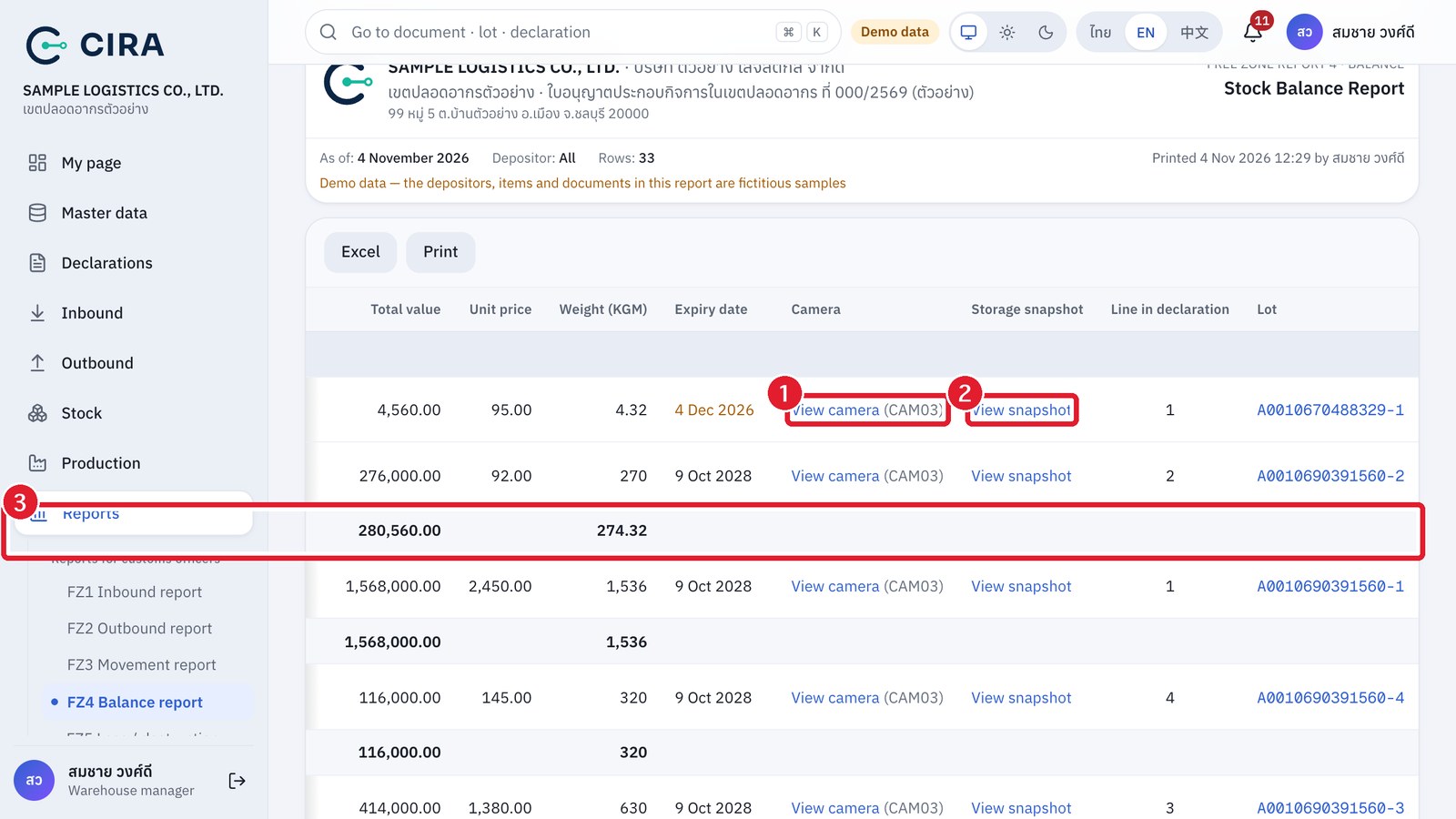
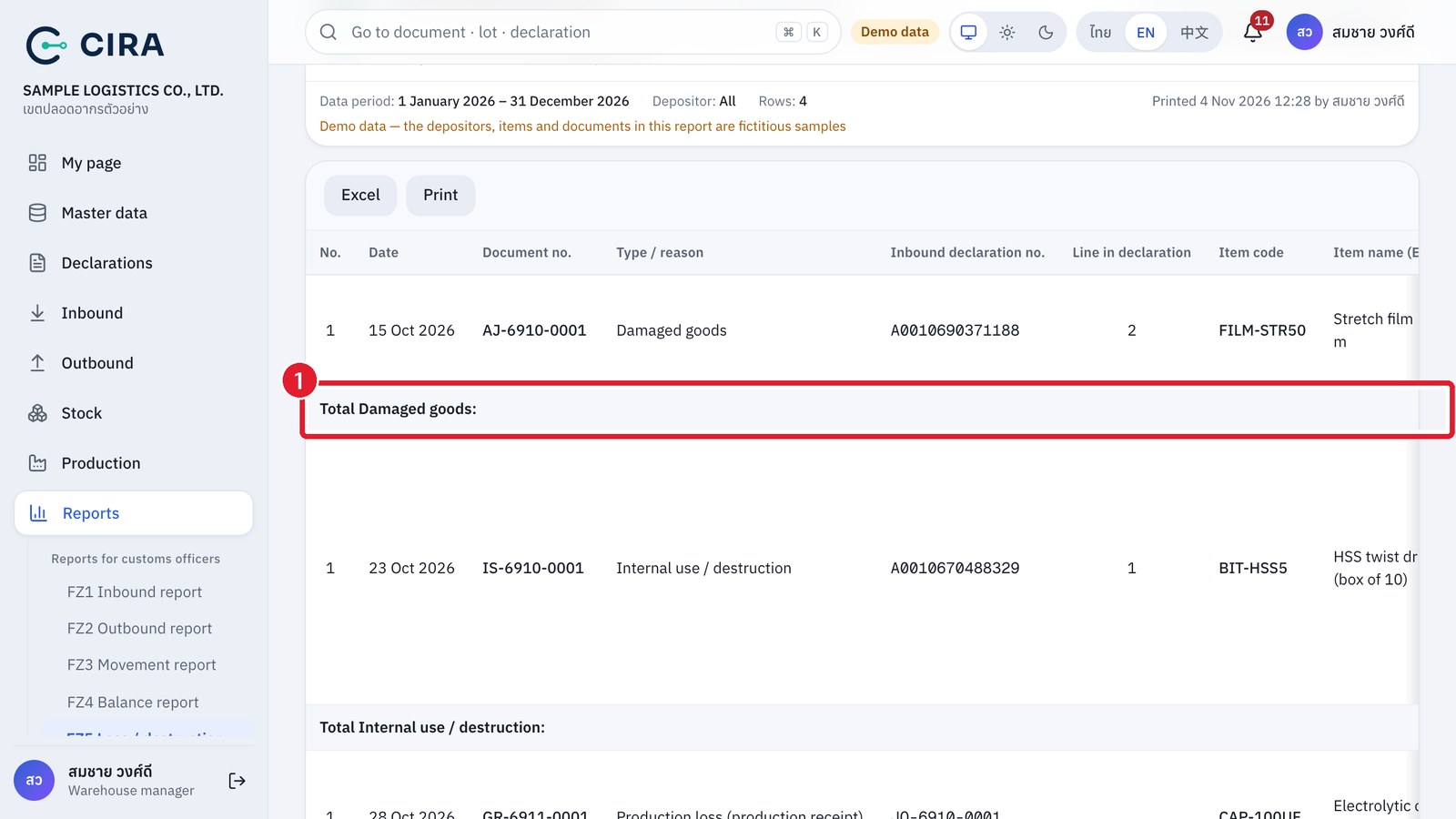
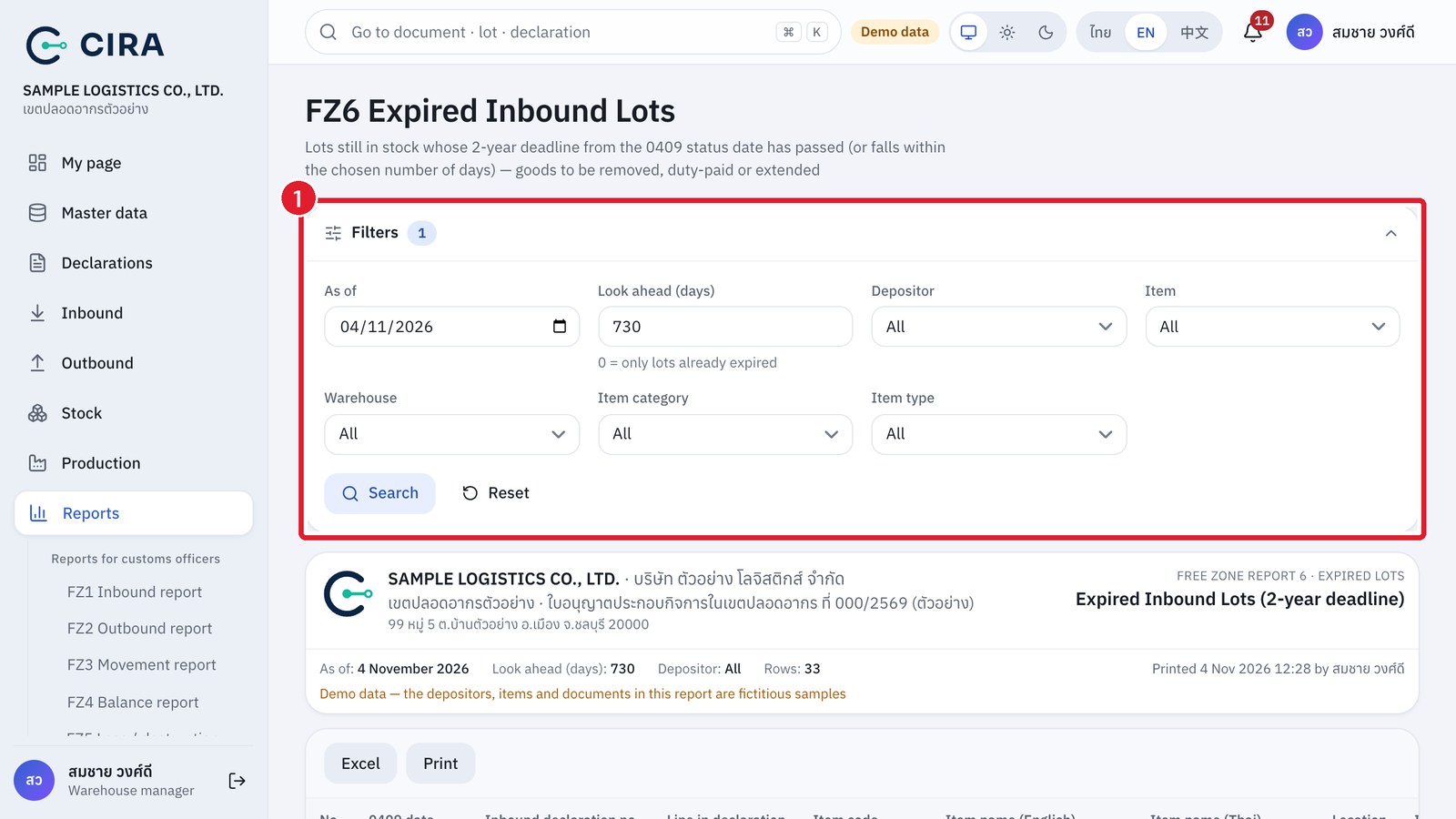
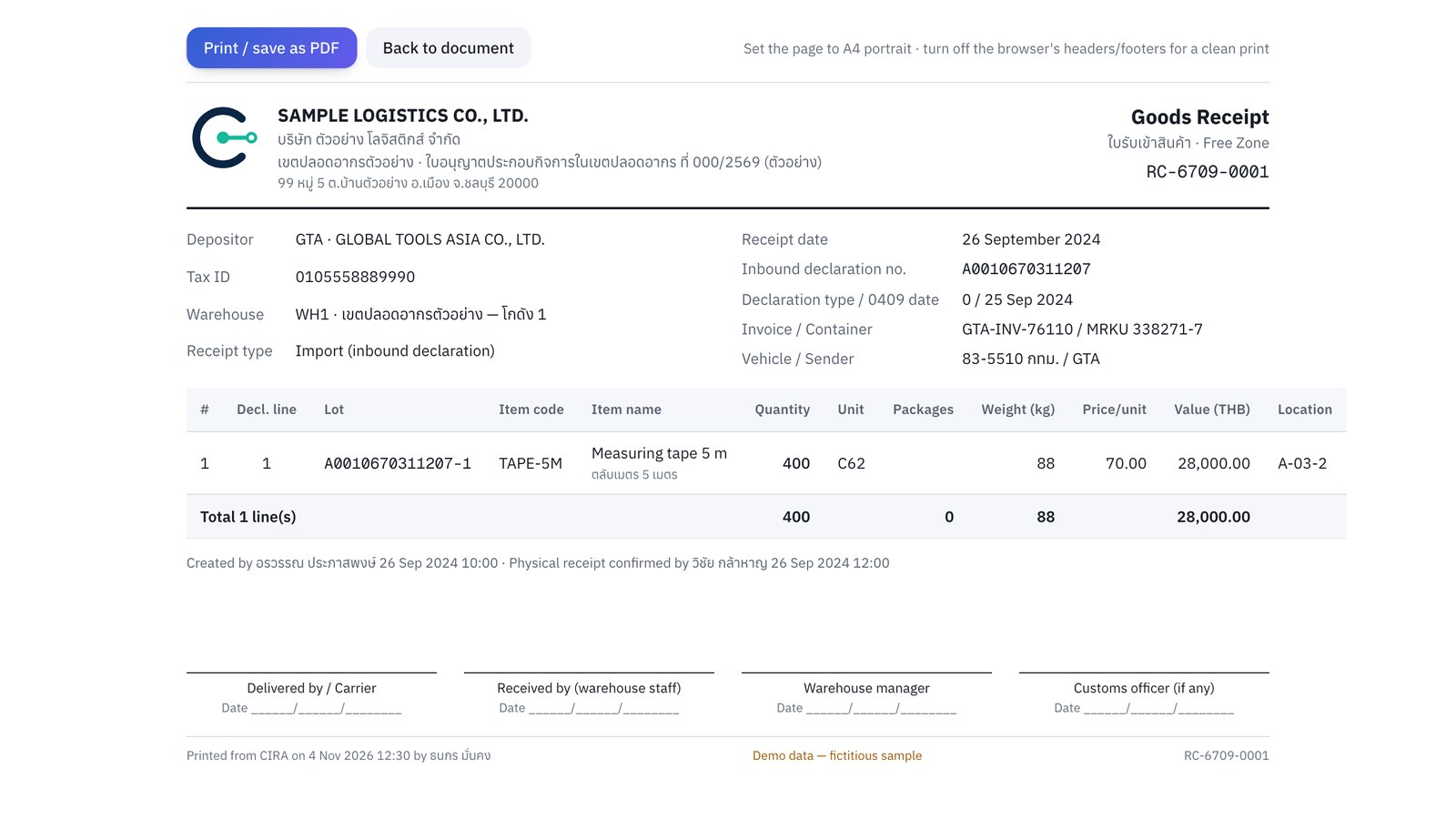
Every report has the licensee's letterhead, the filter conditions, and who printed it and when. It has Excel and Print buttons (A4 landscape). A table wider than the paper is shrunk to fit the page, so no column runs off the edge, and the system's menus do not appear on paper. The printed page is always white, even in dark mode. Documents such as the deposit receipt and the goods issue note / gate pass print on A4 portrait.
Reports FZ1–FZ4, FZ6 and In / out / balance by declaration show at most 1,000 detail lines on screen and on paper. Beyond that, the system shows the message "Showing … of … detail rows", and totals at every level are still calculated from all the data. Narrow the depositor, item or date range, or export to Excel to see every line.